
A timestamped photo app built for proof, not galleries
A photo on its own proves little. It can be old, from another site, or sent hours later. TeamProof ties every before and after photo to a visit that already has a check-in time and a GPS check against the site pin. That's what makes a photo useful when a client asks questions.
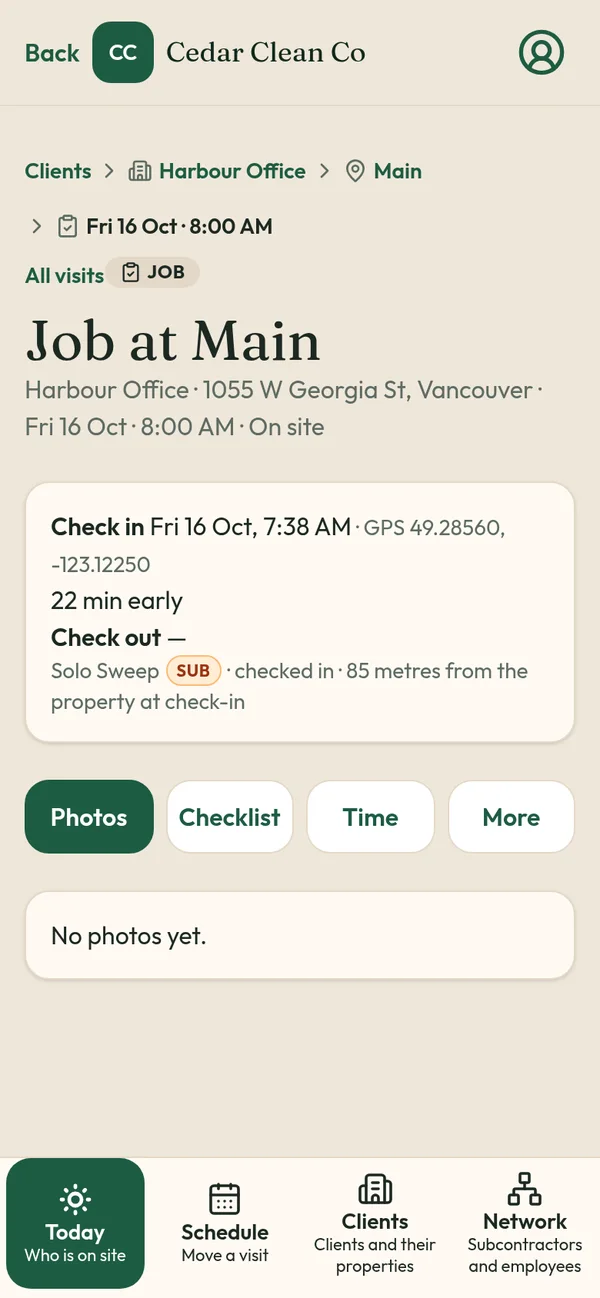
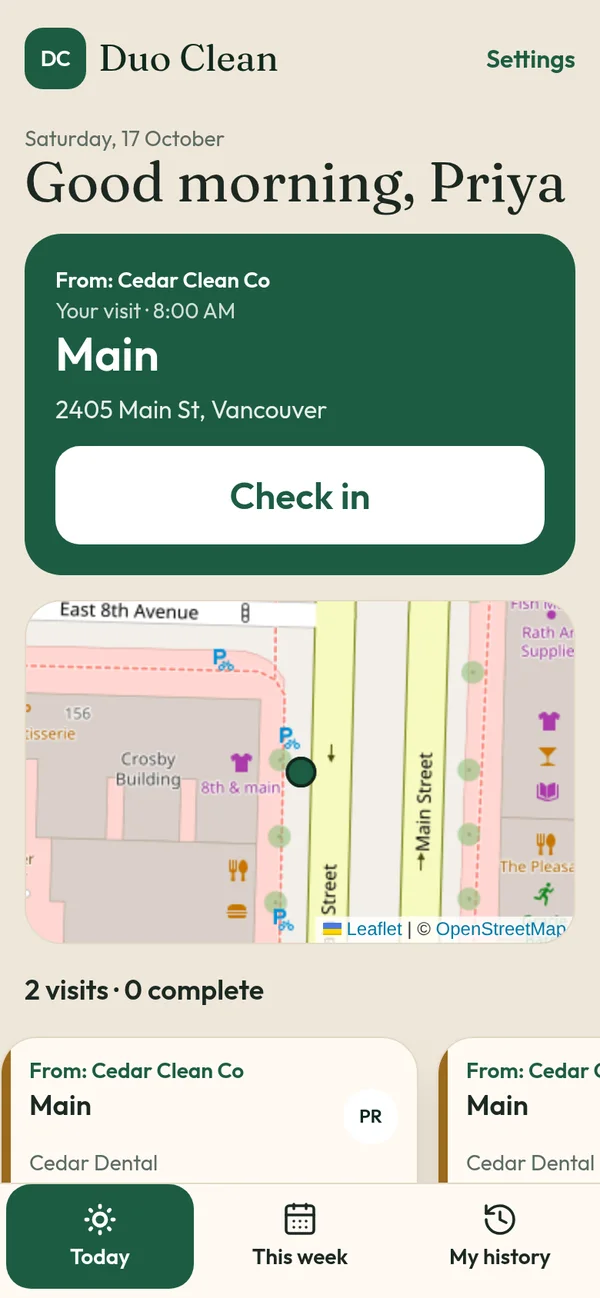
How photos are captured
- Before photos right after check-in
- After photos before check-out
- One tap; the photo steps move on by themselves
- Saved to the visit, not to a worker's camera roll or a group chat
Photos vs loose photos in chats
Group-chat photos get lost, can't be tied to a site, and depend on someone remembering to send them. TeamProof keeps them with the visit, next to the times and GPS.
When photos matter most
Snow and ice disputes, damage claims on turnovers, property manager complaints and handover disputes. See the snow slip-and-fall documentation checklist.
What TeamProof records on every visit
- Check-in and check-out times, recorded when the worker taps Check in and Check out
- GPS at check-in and check-out, checked against the pin you set for the site
- Before and after photos, saved to the visit
- The checklist for that site
- A late reason if the worker is more than an hour off the start time
- A Missed tag and an email if nobody checks in within one hour of the scheduled start
Clients can open a private client visit report link, no login needed, showing times, GPS and photos without worker names, phones or pay. Links stay open for 90 days.
Honest limits
- GPS is checked at check-in and check-out only. TeamProof does not track workers during the shift.
- Phone GPS has normal accuracy limits, especially inside large buildings. Pin the entrance you want crews to use.
- Photos prove what was photographed, so the checklist should say what to shoot.
- No quotes, invoices or payments yet. Payments and invoicing are listed as coming soon.
Price
One simple plan with everything included, unlimited workers, plus a 30-day free trial with no card to start. See current pricing.
Start your free trial · Book a demo
Related: Teamproof vs companycam · Snow plowing proof of visit app · Proof of service app · Client visit report link
Frequently asked questions
Is the timestamp printed on the photo?
No. The time is saved with the photo in the visit record, next to the check-in time and GPS, rather than printed on the image.
Can workers add photos from their gallery?
The main photo button opens the phone camera. The camera screen also has a gallery option, so the visit's check-in time and GPS are what tie photos to the visit.
Does TeamProof track workers all shift?
No. Location is checked only at check-in and check-out, against the site pin.
What does TeamProof cost?
One plan with everything included, after a 30-day free trial with no card. See /pricing for the current price.
More ways to prove every visit
See how all features and simple pricing work for your sites.
- Office cleaning proof
- Commercial cleaning software Vancouver
- Airbnb turnover cleaning
- Mobile patrol app
- Snow plowing documentation
- Landscaping proof of service
- Medical office cleaning
- School cleaning
- Retail store cleaning
- Restaurant cleaning
- Post-construction cleaning
- Window cleaning
- Residential cleaning
- Security guard check-in
- HOA maintenance
- Facility management
- Building maintenance
- HVAC maintenance
- Lawn care
- Property management contractors
- Proof of service app
- Missed visit alerts
- Client visit report link
- Prove employees showed up
- GPS check-in app
- Proof of visit app
- GPS check-in without tracking
- Verify cleaners cleaned
- Stop no-show employees
- Win janitorial contracts
- Prove a security patrol happened
- Janitorial quality control
- Works alongside Jobber
- Is GPS tracking employees legal in Canada?