
How to verify your cleaners actually cleaned
Whether you run a cleaning company or hire one, the problem is the same. Most commercial cleaning happens after hours, nobody's watching, and the first sign of a skipped clean is a complaint. This guide covers the methods that work, from free to automated.
1. Walk-through inspections
Spot-check sites on a rotation, ideally the morning after. It's the most reliable check, and the most expensive in time. Use a scored checklist so inspections are consistent.
2. A written checklist per site
List what gets done every visit and what's weekly or monthly. Without it, "cleaned" means whatever the cleaner decided. Keep it short enough to actually follow.
3. Before and after photos
Ask for photos of the same spots each visit: entrance, washrooms, kitchen, garbage. Consistent angles make it easy to compare. Photos in a group chat get lost, so store them with the visit.
4. GPS check-in and check-out
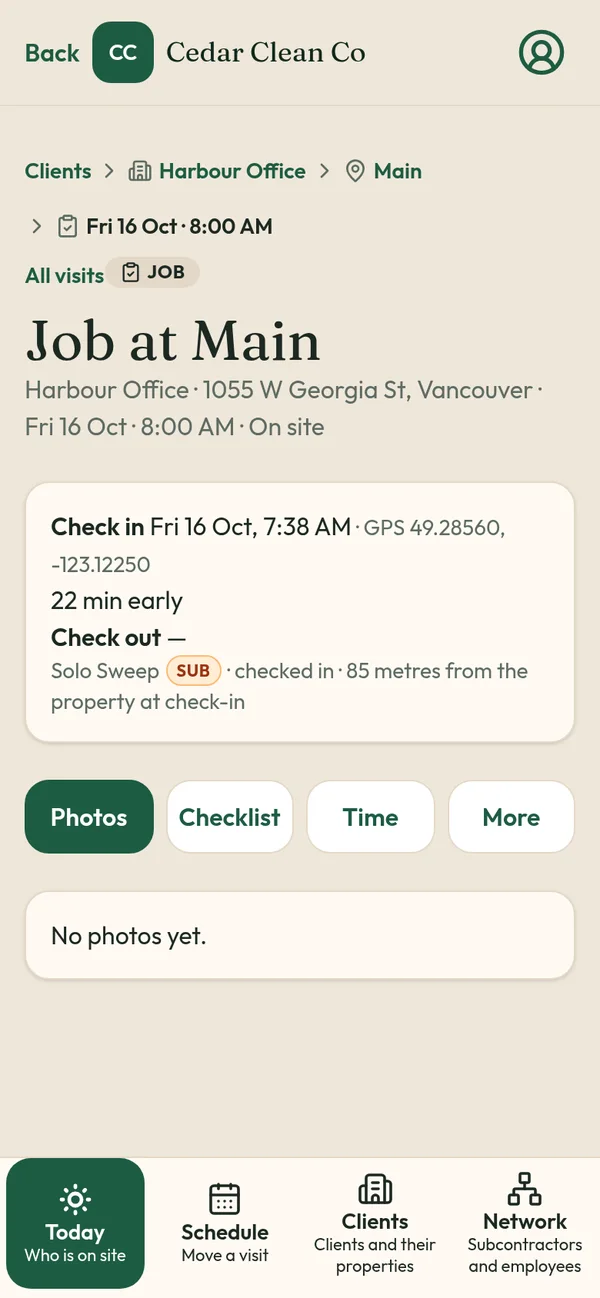
Confirms the cleaner was at the site and how long they stayed. Checking against a site pin at arrival and departure is enough; you don't need to track all shift.
5. An alert when a clean doesn't start
The worst case is finding out from the client. A Missed alert one hour after start gives you time to send someone.
How TeamProof combines these
TeamProof records 2 to 5 automatically on every visit and gives the client a private report link. It's what Sweepy Maids uses for its night commercial cleans. Read the case study.
What TeamProof records on every visit
- Check-in and check-out times, recorded when the worker taps Check in and Check out
- GPS at check-in and check-out, checked against the pin you set for the site
- Before and after photos, saved to the visit
- The checklist for that site
- A late reason if the worker is more than an hour off the start time
- A Missed tag and an email if nobody checks in within one hour of the scheduled start
Clients can open a private client visit report link, no login needed, showing times, GPS and photos without worker names, phones or pay. Links stay open for 90 days.
Honest limits
- GPS is checked at check-in and check-out only. TeamProof does not track workers during the shift.
- Phone GPS has normal accuracy limits, especially inside large buildings. Pin the entrance you want crews to use.
- Photos prove what was photographed, so the checklist should say what to shoot.
- No quotes, invoices or payments yet. Payments and invoicing are listed as coming soon.
Price
One simple plan with everything included, unlimited workers, plus a 30-day free trial with no card to start. See current pricing.
Start your free trial · Book a demo
Related: How to prove employees showed up to a job site · How to prove night cleaners showed up · What property managers want in a cleaning report · Office cleaning proof of visit app
Frequently asked questions
How do property managers check cleaning was done?
Usually by complaints and occasional walk-throughs. A visit report with times, GPS and photos gives them proof without a site visit.
Can I verify a cleaning subcontractor's work?
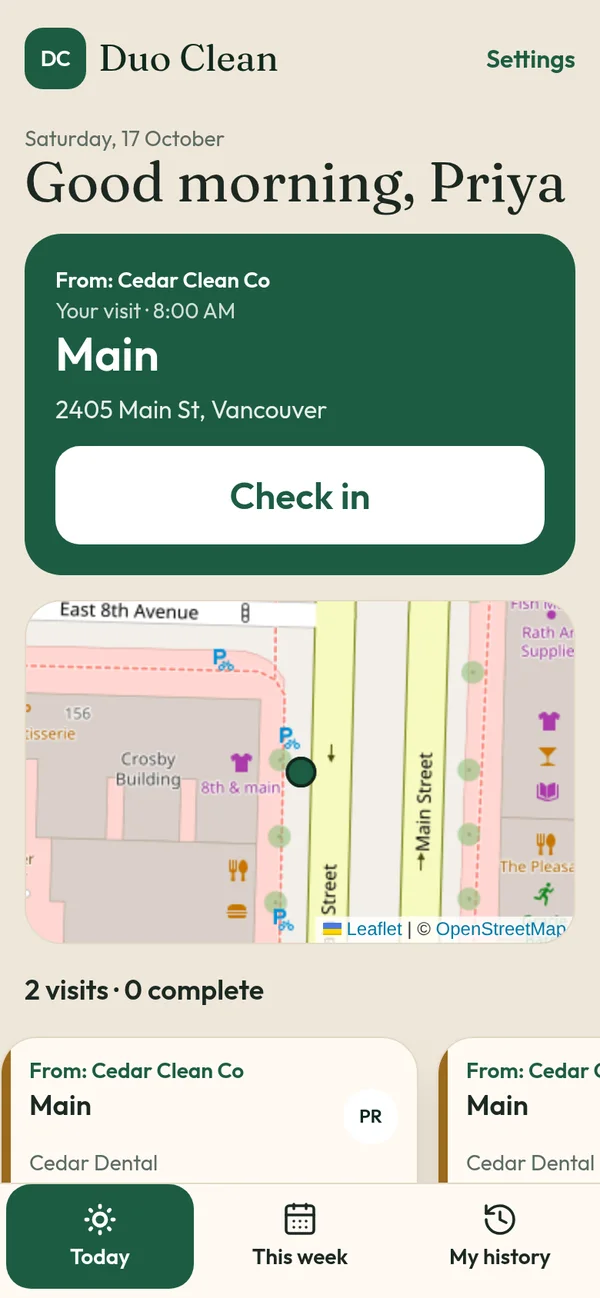
Yes. Hand the visit to the sub in TeamProof; their check-in and photos come back to you.
Does TeamProof track workers all shift?
No. Location is checked only at check-in and check-out, against the site pin.
What does TeamProof cost?
One plan with everything included, after a 30-day free trial with no card. See /pricing for the current price.
More ways to prove every visit
See how all features and simple pricing work for your sites.
- Office cleaning proof
- Commercial cleaning software Vancouver
- Airbnb turnover cleaning
- Mobile patrol app
- Snow plowing documentation
- Landscaping proof of service
- Medical office cleaning
- School cleaning
- Retail store cleaning
- Restaurant cleaning
- Post-construction cleaning
- Window cleaning
- Residential cleaning
- Security guard check-in
- HOA maintenance
- Facility management
- Building maintenance
- HVAC maintenance
- Lawn care
- Property management contractors
- Proof of service app
- Missed visit alerts
- Client visit report link
- Prove employees showed up
- GPS check-in app
- Proof of visit app
- Timestamped photo app
- GPS check-in without tracking
- Stop no-show employees
- Win janitorial contracts
- Prove a security patrol happened
- Janitorial quality control
- Works alongside Jobber
- Is GPS tracking employees legal in Canada?